
Clear records
history record
cancel
Clear records
history record


Tips for Solder Paste Printing Equipment: Printing Pressure, Speed and Scraper Angle Adjustment Techniques
Fully automatic Screen printerure: the art of striking the right balance
First of all, printing pressure is a crucial parameter. Have you ever encountered the phenomenon of blurring when printing solder paste? This is often related to improper setting of printing pressure. If the pressure is too low, the solder paste may not be fully filled into the pads on the PCB surface; while too high pressure may cause the solder paste to overflow, causing short circuits and other problems.
Imagine if you are applying a layer of paint, too light a gesture will make the paint surface uneven, while too heavy a gesture will cause dripping. The same principle applies to PCB printing equipment. In actual operation, we recommend finding a "golden balance point" by gradually adjusting the pressure. Usually, it is ideal to set the pressure between 0.5-1.5 kg, but this is not set in stone. The specific situation needs to be fine-tuned according to the type of solder paste, the material of the printed board and the complexity of the design.
Printing speed: the combination of efficiency and quality
Next is the printing speed. You may think that the faster the printing speed, the higher the efficiency, isn't it? This is indeed a common misunderstanding. Too fast a printing speed will cause the solder paste to not be effectively transferred to the PCB surface, resulting in missing or uneven printing. If the speed is set too slow, it will affect production efficiency, resulting in a waste of time and cost.
When adjusting the printing speed, it is recommended to use the "trial and error method". You can first set a medium speed, such as 300mm/s, and then observe the printing effect. If you find problems, then gradually adjust. Remember, speed and quality are not opposites. Finding the right speed can achieve a win-win situation.
Scraper angle: details determine success or failure
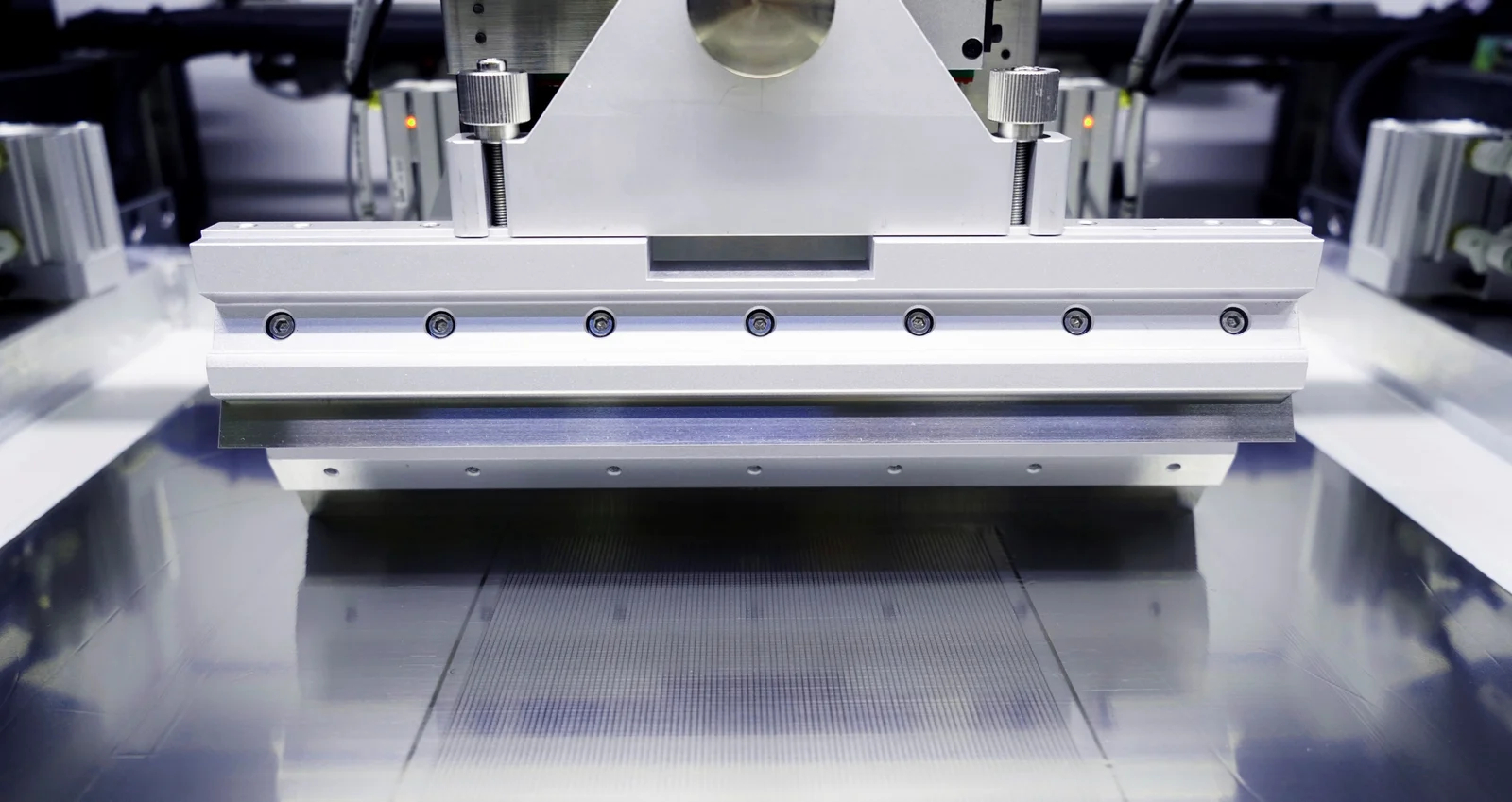
Next, we have to talk about the adjustment of the scraper angle. The scraper angle is often overlooked by many operators, but it actually plays an extremely important role in the solder paste printing process. If the scraper angle is too large, the solder paste may be scraped off too much, resulting in insufficient printing; while if the angle is too small, it will increase the adhesion of the solder paste during the printing process and affect the transfer efficiency.
The ideal scraper angle is usually around 45 degrees, but it is not perfect. We can fine-tune it according to different solder paste types and printing requirements. Imagine that the scraper is like a precise scalpel. Only at the right angle can it achieve better results.
Summary and practice
When using PCB printing equipment, printing pressure, speed and scraper angle complement each other and are indispensable. Fine-tuning each parameter will have a profound impact on the final effect. Therefore, it is recommended to keep experimenting and recording in actual operation, accumulate experience, and find parameter settings that are more suitable for your production line.
I hope this article can help you improve the printing quality and production efficiency during solder paste printing. If you have other questions or experiences, please share them in the comment area. Let’s communicate and make progress together!

 The browser own share function is also very useful~



 WhatsApp
 Email
Email Linkedin